How to test an API call using the Swagger UI
You can use our Swagger page to make an API call to your deployment or pipeline. This example will show you how you can make an API call that lists the deployments that are in a project.
You need an API token with at least the role 'project-viewer' for your project inside the UbiOps WebApp to be able to call the list endpoint from the example.
Authorizing on Swagger page
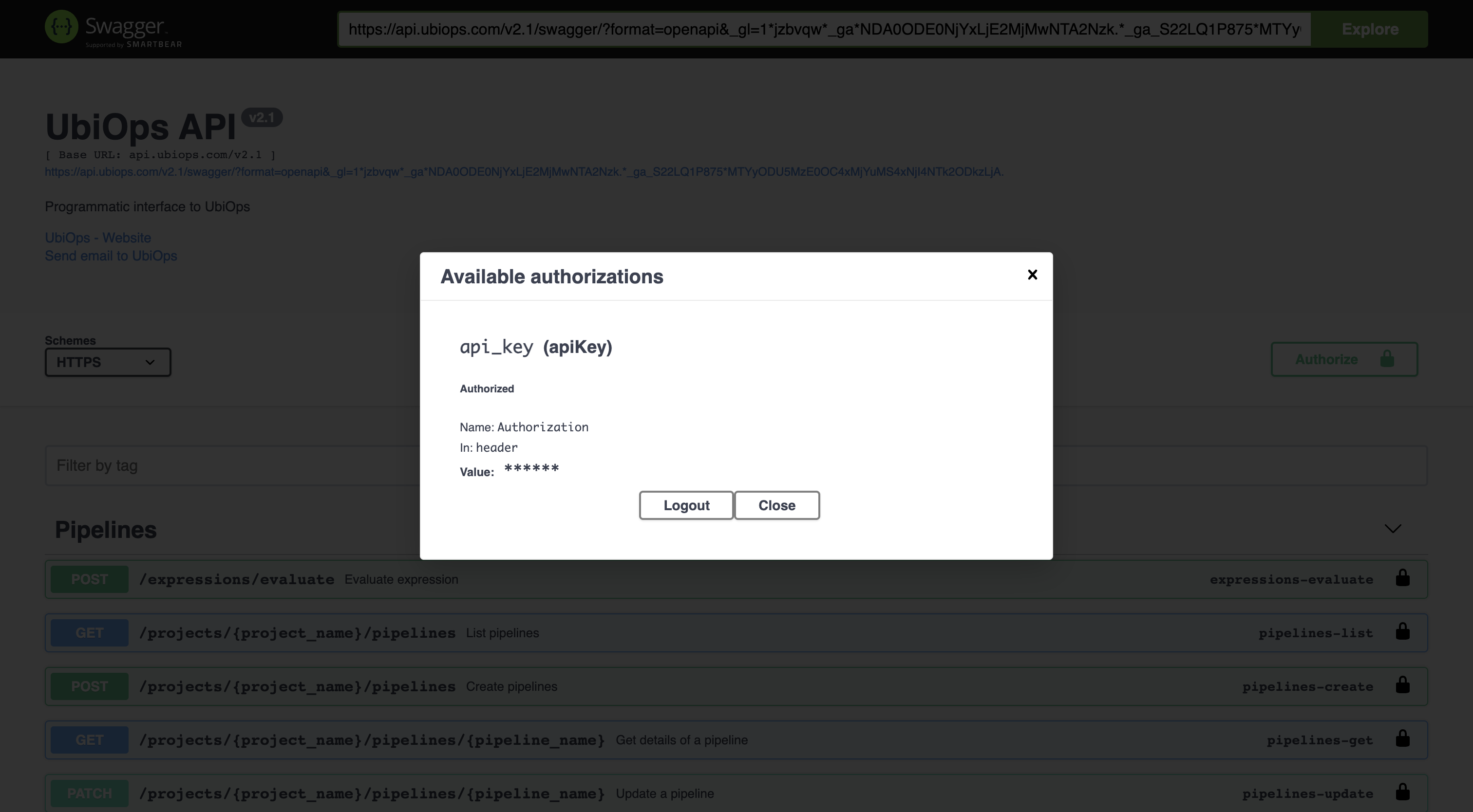
Head to the swagger page, click on Authorize in the top right of the page and copy the API token into the Value field. After filling in your API token, the pop-up should look like this:
Making the API call
In this example we will use the GET method for deployments, which can be found in de Deployments section. This method returns the names of the deployments in your project, along with some other data, like the input and output of the deployments.
Click on this method to see a description of the function, along with some response examples. Scroll a bit further down and you will see Parameters. Click on Try it out and fill in your project name.
Finally click on Execute. From the results, we see that our project contains one deployment, called xgboost-deployment. You should be able to see the deployments in your project. The return should look something like this:
[
  {
    "id": "6ee9e874-f241-4cd7-a9ca-015382431213",
    "name": "xgboost-deployment",
    "project": "how-to",
    "description": "XGBoost deployment",
    "input_type": "structured",
    "output_type": "structured",
    "input_fields": [
      {
        "name": "data",
        "data_type": "file"
      }
    ],
    "output_fields": [
      {
        "name": "prediction",
        "data_type": "file"
      }
    ],
    "labels": {
      "demo": "xgboost"
    },
    "creation_date": "2022-10-03T14:15:54.989263Z",
    "last_updated": "2022-10-03T14:15:55.514798Z"
  }
]